If a PC, printer, server, or camera suddenly gets a 169.254.x.x address, that is usually not a healthy production network assignment. It is a failure signal. On Windows, some Linux environments, and many embedded devices, a system may fall back to the 169.254.0.0/16 link-local range when DHCP assignment fails. That behavior is commonly called APIPA.
In practice, this means the problem is usually local: cabling, switch ports, VLANs, DHCP service, gateway reachability, or the NIC state are all more likely causes than anything related to public internet routing.
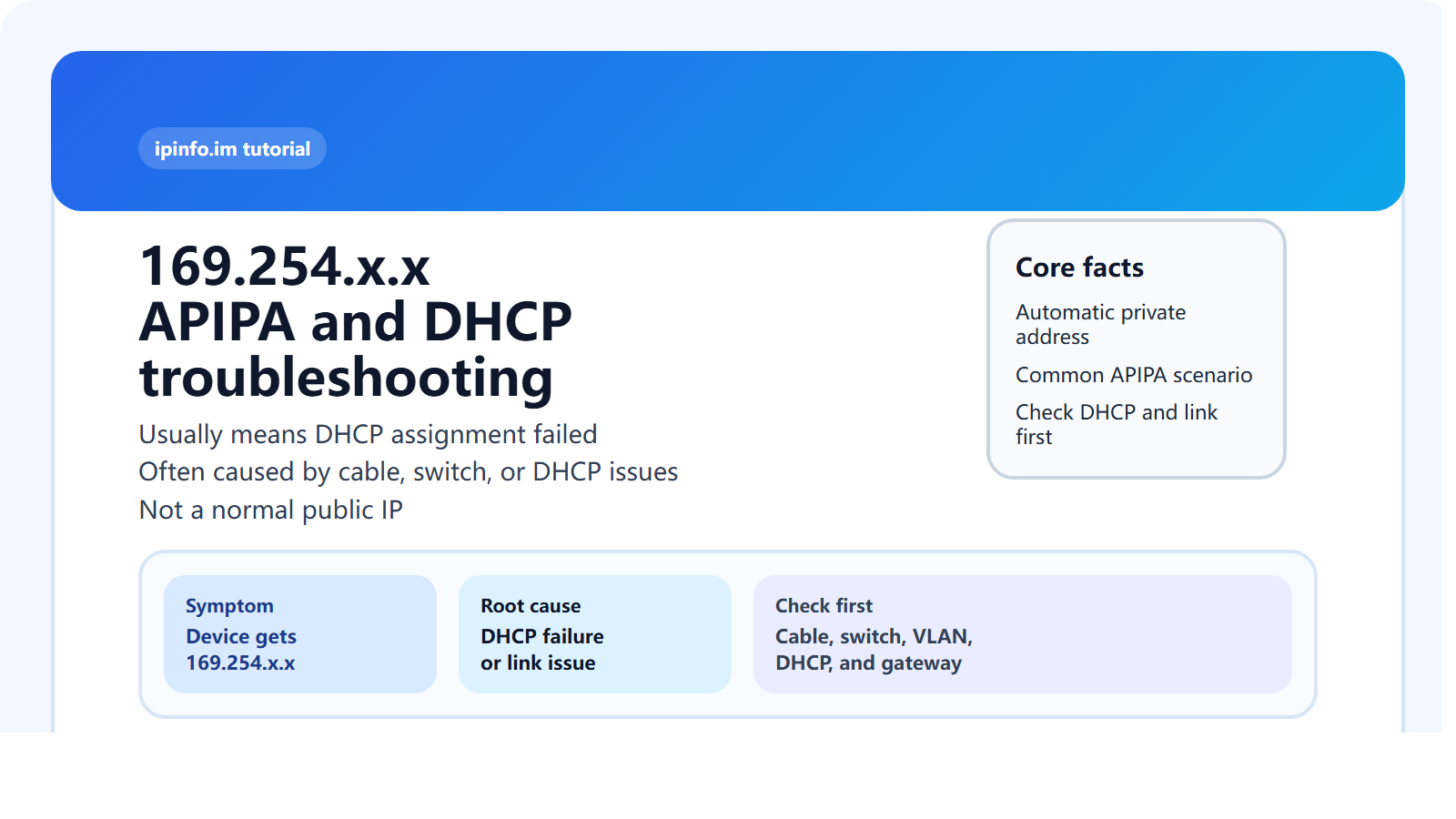
What is a 169.254.x.x address?
169.254.0.0/16 is the IPv4 link-local range. The most common real-world scenario is simple: the device should have received a normal office, home, or production address from DHCP, but because that process failed, it assigned itself a 169.254.x.x address instead so it can still operate on the local link in a limited way.
That address is not meant to represent a healthy routed network. If you see it, the first useful assumption is often “DHCP did not succeed.”
What is APIPA?
APIPA stands for Automatic Private IP Addressing. It is not a network range that an administrator usually plans for long-term use. It is a fallback behavior, especially common in Windows troubleshooting, when DHCP did not deliver a lease.

Why does a device get a 169.254.x.x address?
- The DHCP server is down or unreachable
- The switch port is in the wrong VLAN
- The cable, transceiver, NIC, or switch port has a physical problem
- The gateway or L3 interface on the expected path is broken
- ACLs, isolation features, or security controls are blocking DHCP traffic
The core pattern is this: the link may be physically up, but address acquisition did not complete. That is why APIPA often looks different from a full hard-down outage.
What symptoms usually come with 169.254.x.x?
- The NIC looks connected, but internet or LAN access still fails
- Only very limited local-link communication works
ipconfigor system network settings show a 169.254 address- The default gateway is blank or unreachable
- Printers, cameras, PLCs, or NAS devices suddenly go offline
What should you check first?
- Start with physical link checks: cable, switch port, optics, and power.
- Then verify the switch VLAN and access configuration.
- Check DHCP service health, lease pool state, and relay configuration.
- Confirm the gateway and L3 path between the client network and DHCP source.
- If the issue is limited to one device, inspect the NIC, local firewall, and static config leftovers.
How is 169.254.x.x different from normal private ranges?
| Address Type | Typical Meaning | Normal Production Assignment |
|---|---|---|
192.168.x.x | Common home or office private range | Yes |
10.x.x.x | Enterprise or large private range | Yes |
172.16.x.x - 172.31.x.x | Private IPv4 range | Yes |
169.254.x.x | APIPA fallback after DHCP failure | Usually no |
Which commands help most?
ipconfig /all
ipconfig /release
ipconfig /renew
ping 127.0.0.1
ping default-gateway
arp -a

Sample APIPA addresses:
169.254.1.0    169.254.1.1    169.254.1.2    169.254.1.3    169.254.1.4
169.254.1.5    169.254.1.6    169.254.1.7    169.254.1.8    169.254.1.9
169.254.1.10    169.254.1.11    169.254.1.12    169.254.1.13    169.254.1.14
169.254.1.15    169.254.1.16    169.254.1.17    169.254.1.18    169.254.1.19
169.254.1.20    169.254.1.21    169.254.1.22    169.254.1.23    169.254.1.24
169.254.1.25    169.254.1.26    169.254.1.27    169.254.1.28    169.254.1.29
169.254.1.30
If ipconfig /renew keeps returning to 169.254.x.x, DHCP still has not completed successfully.
Common misunderstandings
1. Is 169.254.x.x a public IP?
No. It is not a public routable address.
2. Is 169.254.x.x a normal office LAN assignment?
Usually no. It is more often a troubleshooting clue.
3. Will replacing the cable always fix it?
No. Physical issues are common, but VLAN, DHCP, and gateway problems are also frequent.
4. Can I just assign a static IP and move on?
You can use that for validation, but if the DHCP root cause remains unresolved, the underlying problem is still there.
Conclusion
The most useful interpretation of 169.254.x.x is not “this is a special normal subnet,” but “the device failed to obtain a DHCP lease and fell back to APIPA.” In most environments, the right troubleshooting focus is the local link, switch VLAN, DHCP service, and gateway path rather than anything related to public IP location.