Port scanning is fundamental to network security assessment. This article covers TCP handshake mechanics, compares scanning techniques, and teaches result interpretation and defense strategies.
Port Basics: Why 65,535?
| Range | Category | Examples |
|---|---|---|
| 0–1023 | Well-Known | 22 (SSH), 80 (HTTP), 443 (HTTPS) |
| 1024–49151 | Registered | 3306 (MySQL), 5432 (PostgreSQL) |
| 49152–65535 | Ephemeral | OS-assigned for client connections |
TCP Handshake & Scanning
SYN
→SYN-ACK
→ACK
→Connected
| Type | Sends | Open | Closed | Notes |
|---|---|---|---|---|
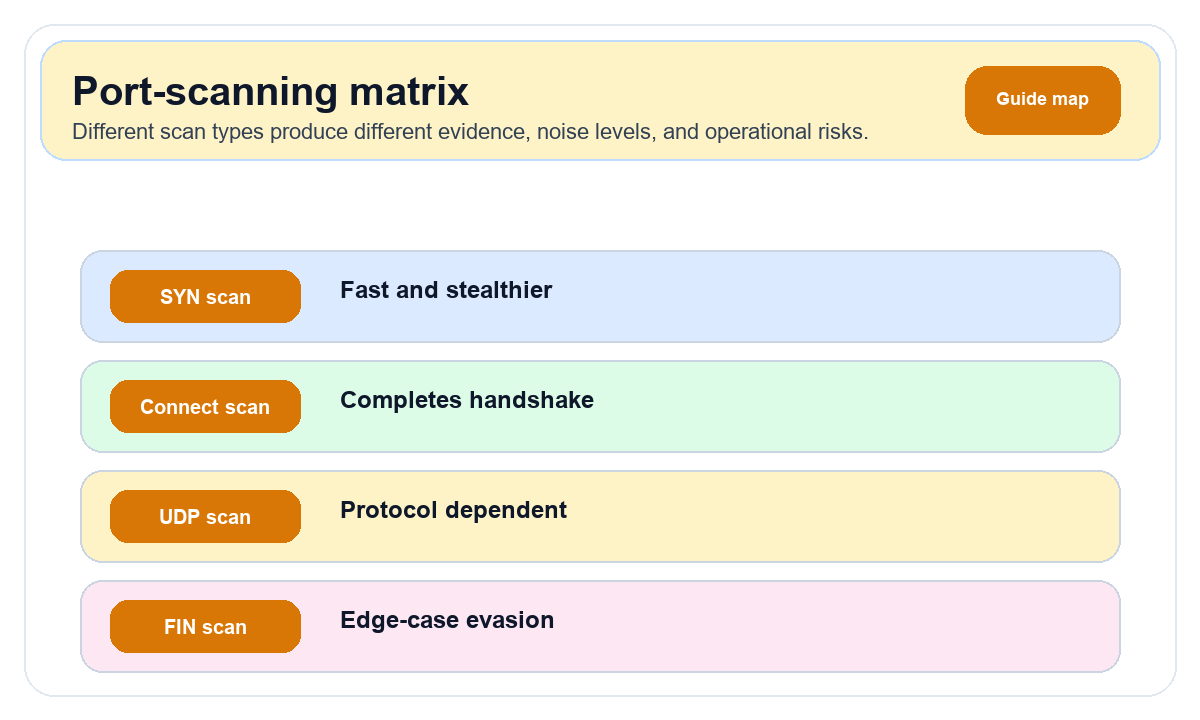
| TCP Connect | Full handshake | SYN-ACK | RST | Reliable; logged |
| SYN | SYN only | SYN-ACK | RST | Fast, stealthy; root needed |
| FIN | FIN | No response | RST | Bypasses some firewalls |
| UDP | UDP datagram | App response | ICMP Unreachable | Slow; finds DNS/SNMP |
💡 Tip: SYN scan (
nmap -sS) is the most commonly used scan in practice. It only completes the first half of the handshake—fast and leaves no application-layer logs. But it requires root/admin privileges since it constructs raw packets.Port States
| State | Meaning | Cause |
|---|---|---|
| open | Listening | Service running |
| closed | Reachable, no service | Service stopped |
| filtered | Cannot determine | Firewall DROP |
Essential Commands
# Quick scan of common ports (SYN scan, needs root)
sudo nmap -sS -T4 --top-ports 1000 target_ip

# Full port scan (takes longer)
sudo nmap -sS -p- target_ip

# Service version detection
sudo nmap -sV -p 22,80,443,3306 target_ip

# OS fingerprinting
sudo nmap -O target_ip

# UDP scan (common UDP services)
sudo nmap -sU --top-ports 100 target_ip

# Comprehensive scan (version + scripts + OS detection)
sudo nmap -A -T4 target_ip
High-Risk Ports
| Port | Service | Risk | Fix |
|---|---|---|---|
| 22 | SSH | Brute force | Key auth + fail2ban |
| 3389 | RDP | Brute force + exploits | VPN only |
| 3306 | MySQL | Unauthorized access | Bind 127.0.0.1 |
| 6379 | Redis | No auth → RCE | Set password + localhost |
| 9200 | Elasticsearch | Data exposure | Don't expose + auth |
| 27017 | MongoDB | Unauthorized access | Enable auth + IP restrict |
⚠️ Warning: Scanning servers you don't own may violate applicable laws. Always scan only targets you are authorized to test.
🔒 Server Port Security Checklist:
- Least exposure: Only open required ports
- Never expose databases publicly
- Management via VPN
- Monthly self-audits with nmap
- Use ipinfo.im Port Scanner for quick checks