If your website logs keep showing 10.x.x.x, 192.168.x.x, or 172.16.x.x - 172.31.x.x, the usual explanation is not that your visitors are truly coming from internal networks. It is that your proxy chain is hiding the real client IP. This is extremely common in Nginx, Apache, Node.js, PHP, CDN, WAF, Kubernetes, Docker, ingress, load balancer, and reverse proxy setups.
The first wrong conclusion many teams make is “the logs are fake” or “someone from inside the network is attacking us.” A more accurate interpretation is this: the application is seeing the previous proxy hop, not the real public client IP.
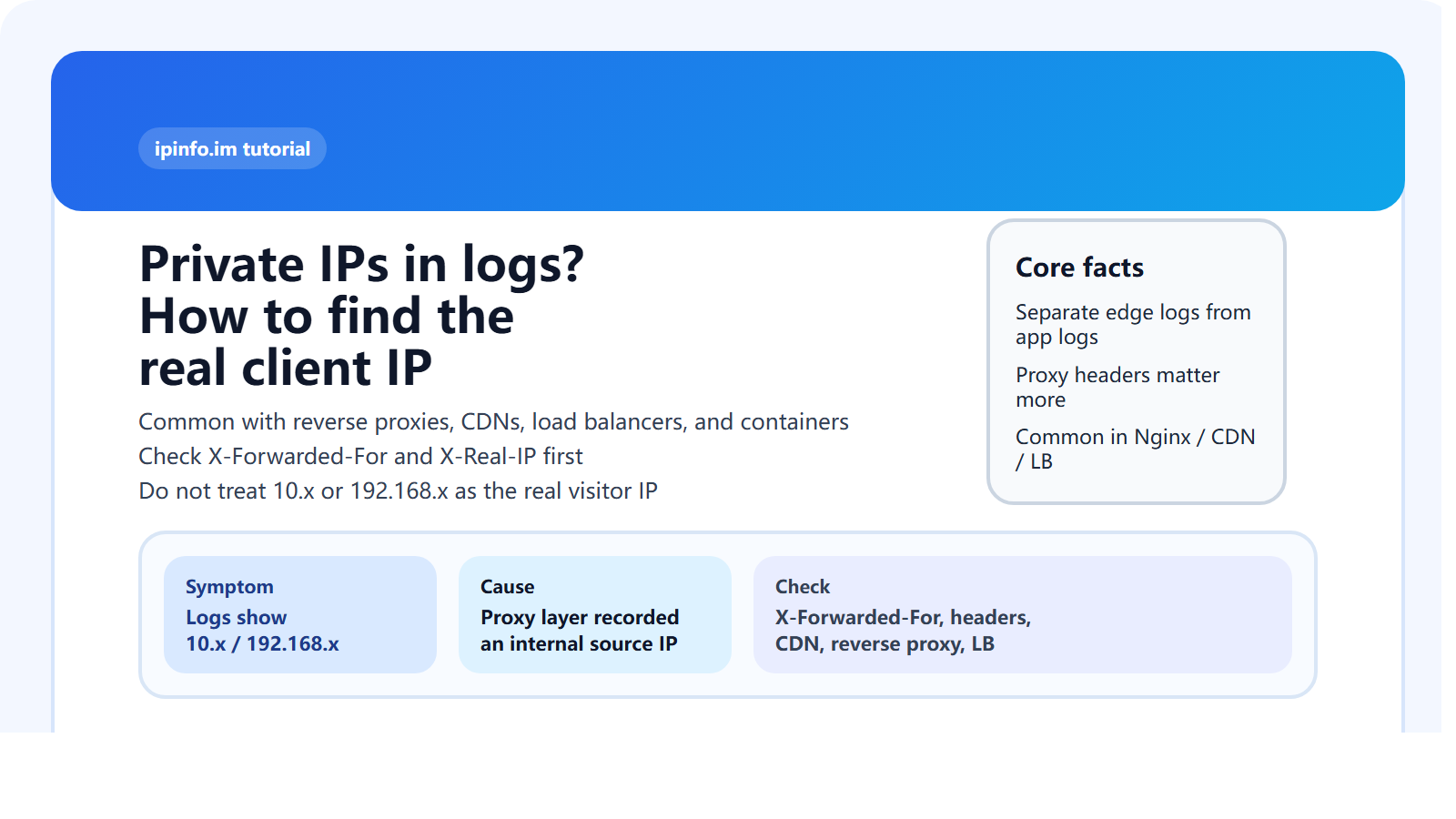
Why do logs show 10.x.x.x or 192.168.x.x?
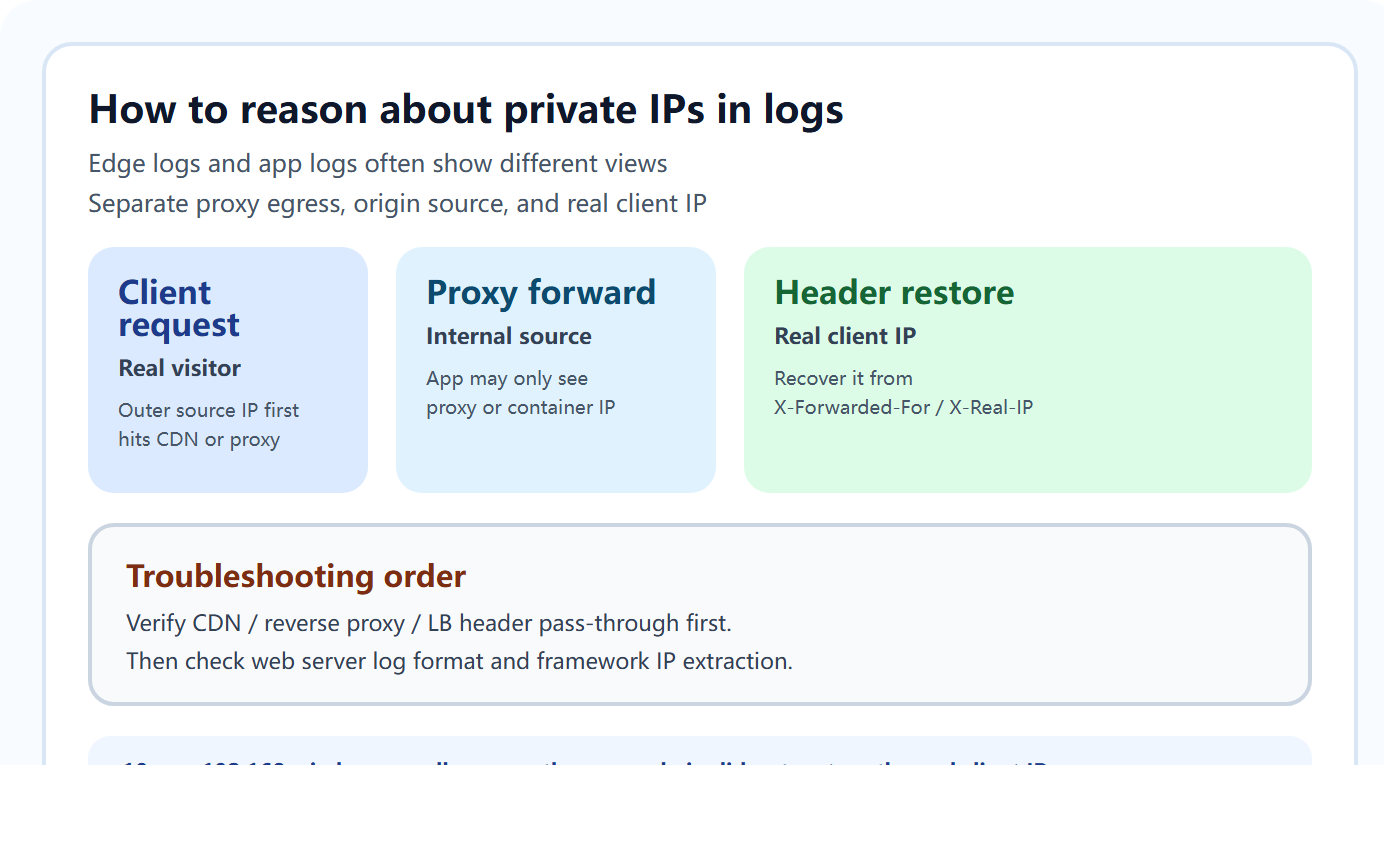
Because your application may not be directly exposed to the public internet. Real traffic often goes through a CDN, reverse proxy, cloud load balancer, WAF, ingress gateway, or container network first. At that point, the address the application sees is often just the address of the previous hop, which may be private.
For example, if public traffic reaches a CDN, then a cloud load balancer, then Nginx, then a containerized app, the app may only see a bridge IP, ingress IP, or proxy-side private address instead of the real user IP.
Which headers usually contain the real client IP?
X-Forwarded-ForX-Real-IP- CDN or cloud-vendor-specific real source IP headers
- The standardized
Forwardedheader in some setups
The most common one is X-Forwarded-For. In many deployments, the left-most value is closest to the original client. But that only holds when the proxy chain is trusted and configured correctly.
Why can’t you blindly trust X-Forwarded-For?
Because clients can forge it if your application is directly reachable or if your proxies do not restrict trusted sources. In production, the correct pattern is not “read the header and believe it.” It is “define trusted proxies first, then restore the real client IP only from headers supplied by those trusted proxies.”
That means a good troubleshooting order looks like this:
- Identify the public edge: CDN, LB, Nginx, ingress, or direct-to-app.
- Confirm which layer is responsible for writing the client IP header.
- Verify that the web server passes that header to the backend.
- Verify that the application framework extracts IPs from trusted proxy headers.
What is the most common Nginx mistake?
- No
real_ipconfiguration X-Forwarded-Foris present, but trusted proxy ranges are not defined- The log format still writes the default
remote_addr - There are multiple proxy layers, but only one gets restored
If Nginx itself never restores the client IP correctly, the application behind it usually will not either.
Why do containerized apps often only show internal IPs?
In Docker, Kubernetes, and service-mesh environments, the app often sits behind overlay networking, ingress controllers, or sidecars. The source IP visible to the process may be the proxy, ingress, or bridge address rather than the public client IP. Without proper header pass-through from the edge, internal addresses are all the app will see.
How do you quickly find where the real client IP got lost?
- Start with CDN or load balancer logs and confirm whether the outer edge sees a public client IP.
- Then inspect Nginx or Apache logs to confirm the header arrives.
- Finally inspect application logs to determine whether the server layer or app layer failed to restore it.
- If needed, temporarily echo headers or capture packets to identify the exact break point in the chain.
The key is to inspect logs by layer instead of staring only at application output.
A practical rule for deciding which IP is useful
| Observed Value | Typical Meaning | Usually the Real Visitor IP? |
|---|---|---|
10.x.x.x | Proxy, container, LB, or internal hop | Usually no |
192.168.x.x | Private internal address | Usually no |
172.16-31.x.x | Private range address | Usually no |
Left-most X-Forwarded-For | Potential original source | Depends on trusted-proxy config |
| Public address in CDN / edge logs | Outer edge view of the client | Usually more reliable |
Why does this matter for analytics and security?
Because once you use the wrong IP, every downstream analysis becomes less trustworthy: geolocation, ASN, WHOIS, threat intelligence, rate limiting, blacklists, attribution, and user profiling. You think you are analyzing visitors, but you are really analyzing your own proxy chain.
That is why you should restore the real client IP correctly before doing IP lookup, ASN, WHOIS, or regional analysis.
Conclusion
When logs show 10.x.x.x or 192.168.x.x, the most common explanation is not that visitors come from internal networks. It is that your proxy chain, log format, or application IP restoration logic has not correctly recovered the real client IP. The right first checks are usually your CDN, reverse proxy, load balancer, container networking, and trusted handling of X-Forwarded-For / X-Real-IP.